strategy
design
progression
statements
discovery
System Monitoring Engine
WAM let’s you easily
Track every action across users, plugins, themes and system changes
visibility → awareness → control
Engineered for WordPress

Find the who, when, where & whats
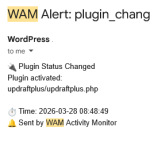
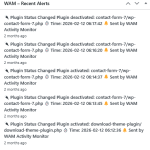
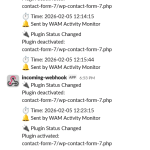
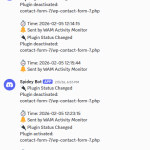
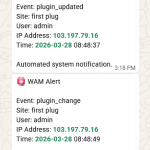
Real-Time Alerts, Wherever You Work
Get immediate alerts on dashboard, email, Slack, Discord or WhatsApp triggered by selective events.

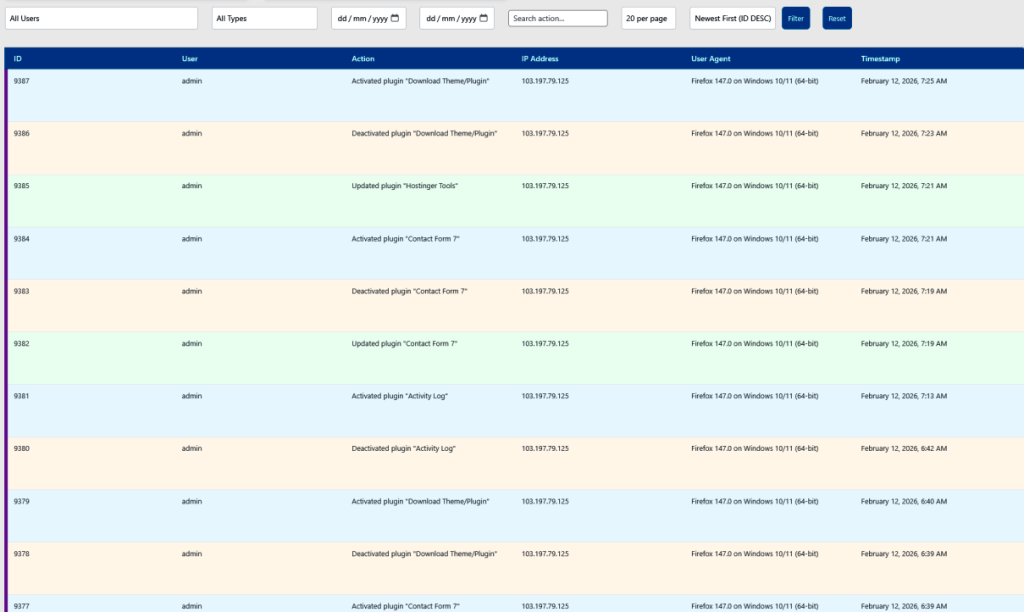
Trace Every Change
Follow activity step by step to understand exactly what changed in your system.
Find the Cause Faster
Identify what triggered an issue by reviewing detailed logs of user, plugin, and system activity.
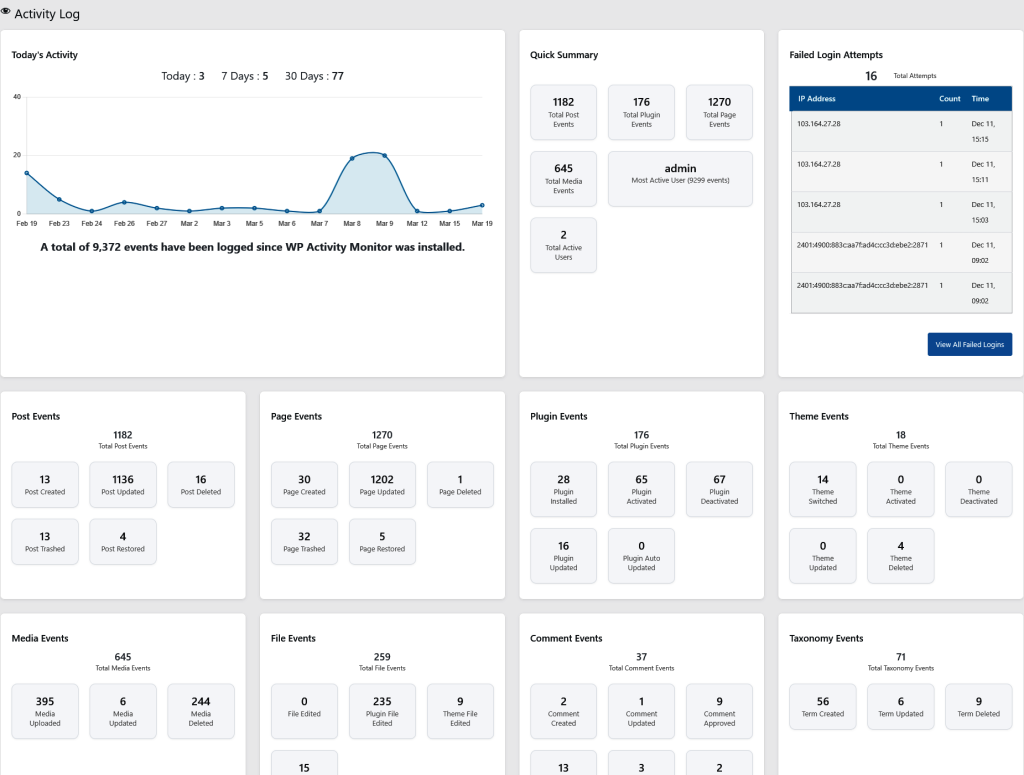
Full Activity Visibility
See everything happening across your site — from logins to plugin updates — in one place.
Real Solution
where visibility matters
- Something Changed …. But You Don’t Know What
- Unexpected Theme or Plugin Changes
- Multiple Users , No Clear Accountability
- Get Notified Everywhere Instantly


Spying and Alerting
Complete Package to Take care of your wordpress website.Help to secure your Business.
Try Us

Performance & Architecture
1.Smart Data Handling (No DB Bloat)
→ On-demand diff generation instead of storing full logs
→ Temporary storage via post-meta (no permanent table overload)
→ Designed to keep database lean even on high-activity sites
2. Single Source of Truth Architecture
→ Centralized configuration system
→ No scattered settings across wp-options
→ Prevents data inconsistency and database pollution
3. Performance-First Design
→ Minimal queries and optimized execution flow
→ No unnecessary cron jobs or background load
→ Lightweight — works even on shared hosting

Website & Mobile
Packed with API features you will love to collaborate with issues and change business.
Generate a new API key

Monitoring & Insights
4. Security-Focused Activity Tracking
→ Detect suspicious login patterns
→ Track username-based attacks
→ Identify potential brute-force behavior
5. File Download Tracking
→ Monitor file downloads
→ Useful for protecting premium or restricted content
6. Crash-Safe Settings Backup
→ Restore previous settings after accidental reset
→ Smart overwrite keeps only latest backup

Website & Mobile
Packed with API features you will love to collaborate with issues and change business.
Generate a new API key
Main steps
1. Real-Time Event-Based Alerts
→ Instant alerts on selected activities
→ No heavy cron jobs — event-driven system
→ Immediate awareness of critical actions
2. Independent Alert Engine
→ Alerts work even if tracking modules fail
→ Ensures visibility is never compromised
3. Multi-Channel Notifications
→ Email, Dashboard, Slack, Discord, WhatsApp
→ Stay informed wherever you work
5 Alert Method
Dashboard Notification | Email | | Discord | Slack | WhatsApp
Export Log Activity
CSV | HTML | JSON
Togglable Tracker Settings
Enable/Disable | Settings Selector | Ensure Settings Saved
WAM Free
- User Activity Tracking
- Dashboard Overview Cards
- Failed Login Card
- Summary Card
- Today Activity Card
- Dashboard Alerts
WAM PRO
Renews at regular rate $180/yr
- Page Activity Tracking
- Post Activity Tracking
- Comment Activity Tracking
- Insight Cards
- Email Alert
* Billed as $190 yearly (auto-renewal)
Business
Renews at regular rate $300/yr
- All Activity Trackers(14)
- Security Cards
- Discord Alert
- Slack Alert
- WhatsApp Alert
* Billed as $290 yearly (auto-renewal)
Wanna know more?
Frequent Questions
What does this plugin actually do?
It monitors and tracks changes across your WordPress site—like plugins, themes, users, and core files—so you always know what changed, when, and by whom.
Is this plugin suitable for beginners?
Yes. It works out of the box with smart defaults, while still offering advanced controls for developers and agencies.
Will it slow down my website?
No. The plugin is designed with a lightweight architecture that avoids unnecessary database load and runs only when needed.
Do I need technical knowledge to use it?
Not at all. Basic users can rely on default settings, while advanced users can customize tracking and alerts.
How is this different from other activity log plugins?
Instead of storing full logs for every change, this plugin uses on-demand diff generation, meaning it only calculates differences when required—keeping your database clean and fast.
Does the plugin store large logs in the database?
No. It avoids database bloat by:
- Using temporary storage (post meta)
- Generating diffs only when needed
This keeps your database optimized even on high-activity sites.
What is “Single Source of Truth” architecture?
All plugin settings are managed from a centralized system, preventing:
- Duplicate configurations
- Data inconsistencies
- Scattered options in the database